
To install Accessibility on your website, kindly follow these steps below:
– Using Shopify store:
- Step 1: Go to your Shopify store
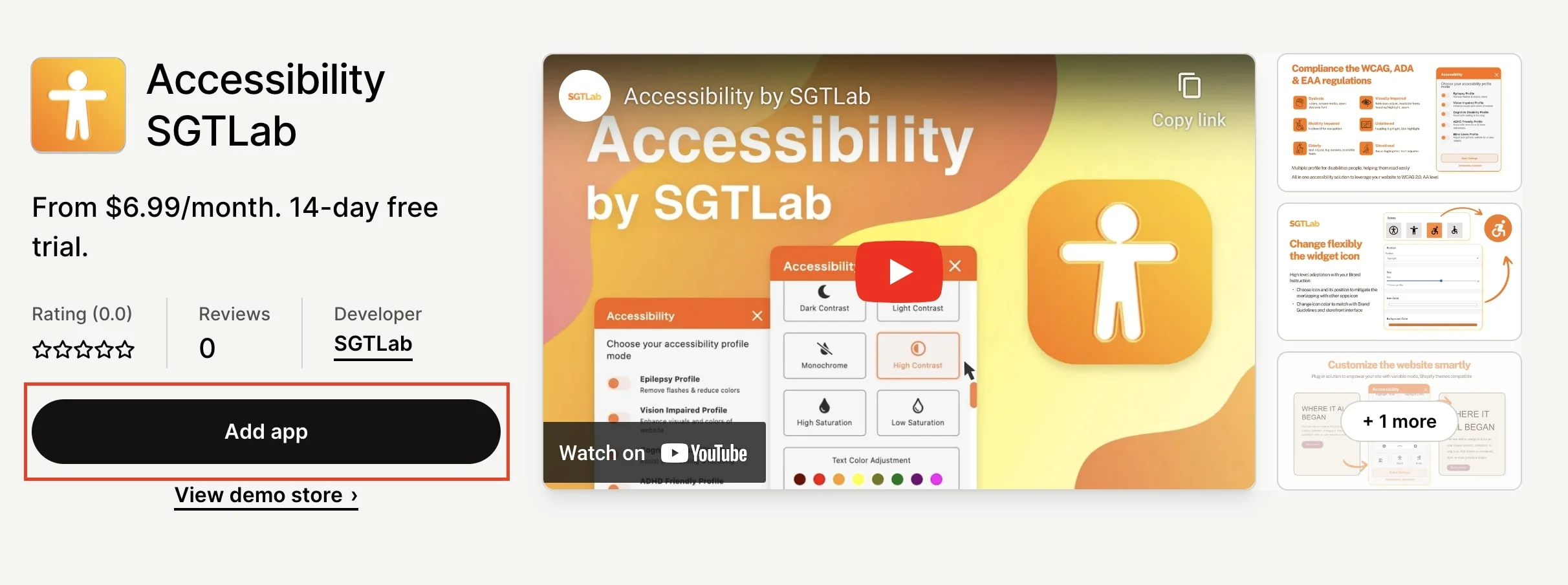
- Step 2: Search for Accessibility SGTLab
- Step 3: On Shopify product page, click button Add app to begin the installation process.
– Using SGT Landing page:
- Step 1: Go to SGT Landing Page
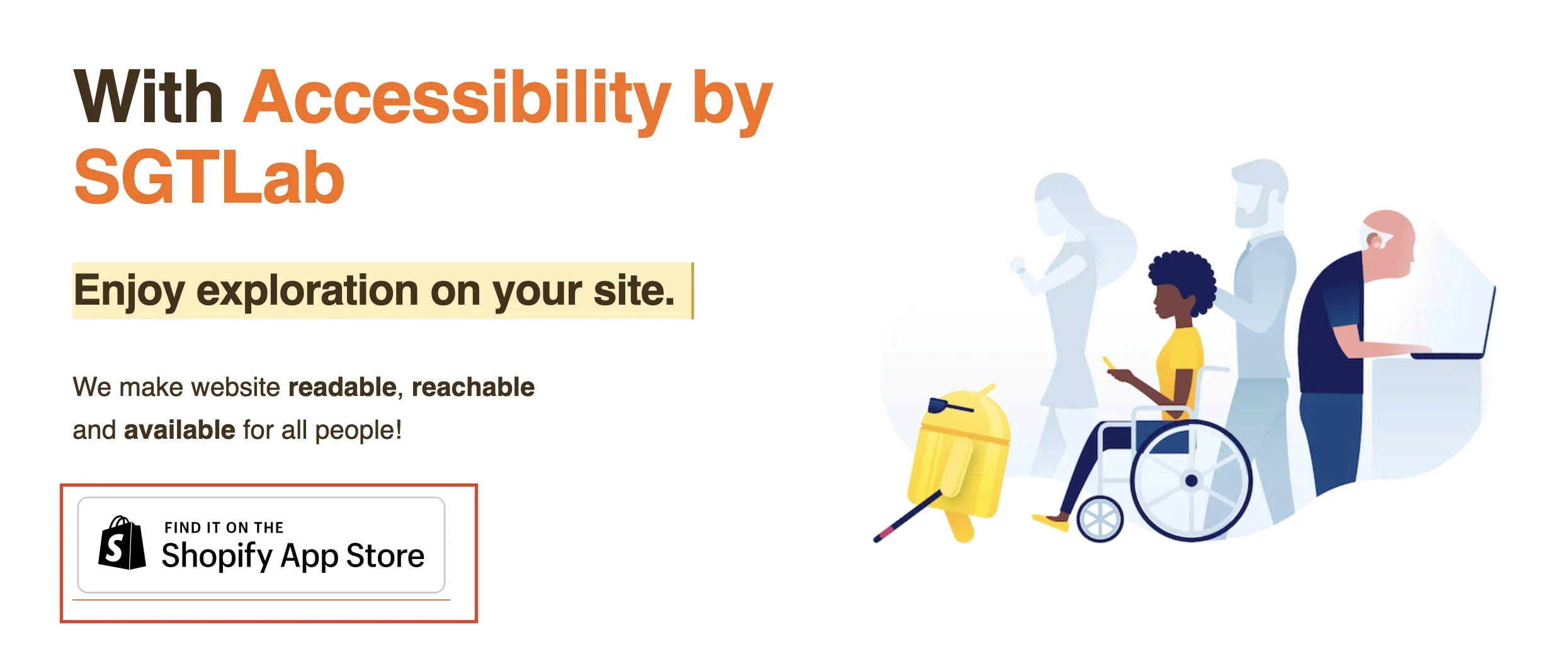
- Step 2: Look for Find it on the Shopify App Store banner and click on it to go to Accessibility product page.
- Step 3: On Shopify product page, click button Add app to begin the installation process.
More in Accessibility FAQs
- Is the app available in any languages?
- What is Accessibility?
- How do I subscribe to the app?
- How to upgrade from monthly subscription to an annual one?
- Can I return the product and get a refund?
- Does the app have any in-app purchases?
- Does the app have free trials?
- Does Accessibility work with all themes and templates on Shopify?