Quick Message Hub Installation Guide
Back to Help
Updated October 17, 2024
Install the App
- Click the installation link from the monday.com marketplace to add the app to your account.
Set Up Your Board
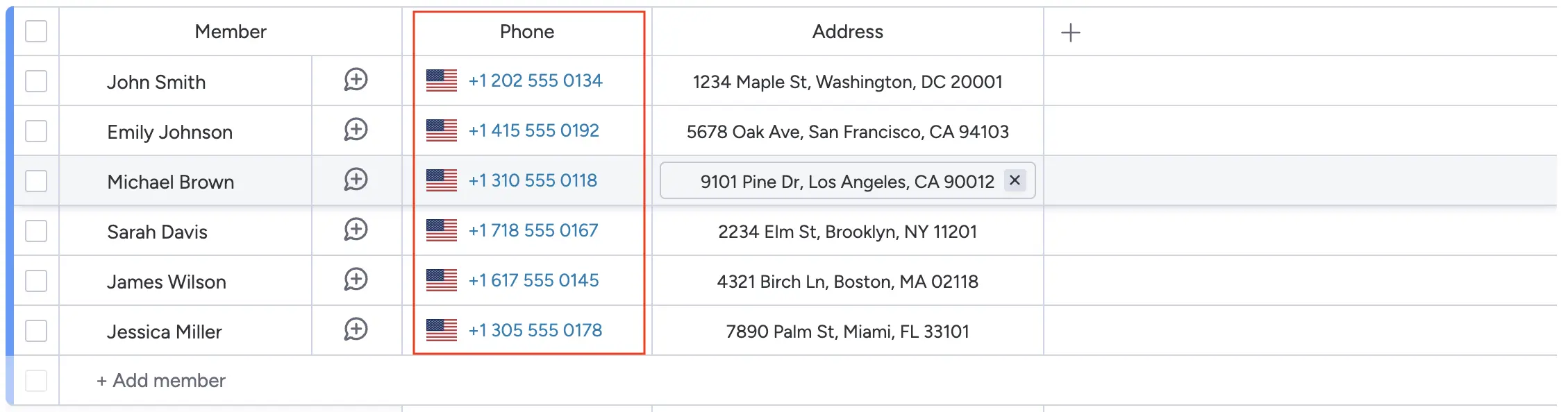
- After installation, head to your monday.com board and create a new column.
- Ensure the column type is set to Phone to store phone numbers.
Using the App
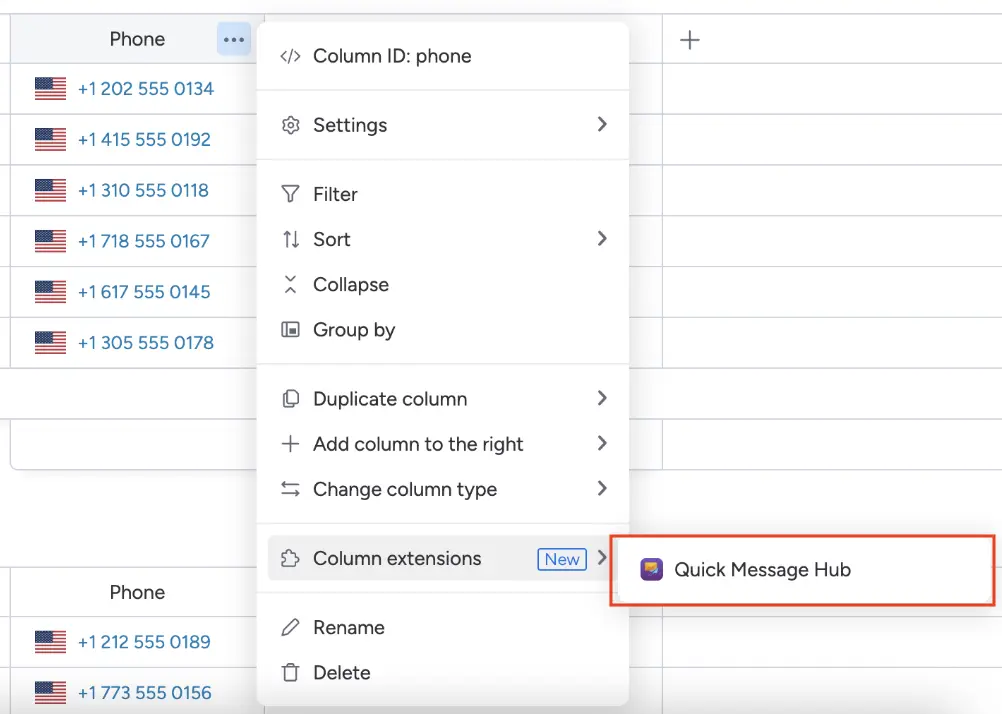
- Once the phone column is created, our app is automatically integrated.
- Click the menu icon on the phone column to open the column extension and select our app.
Send a Message
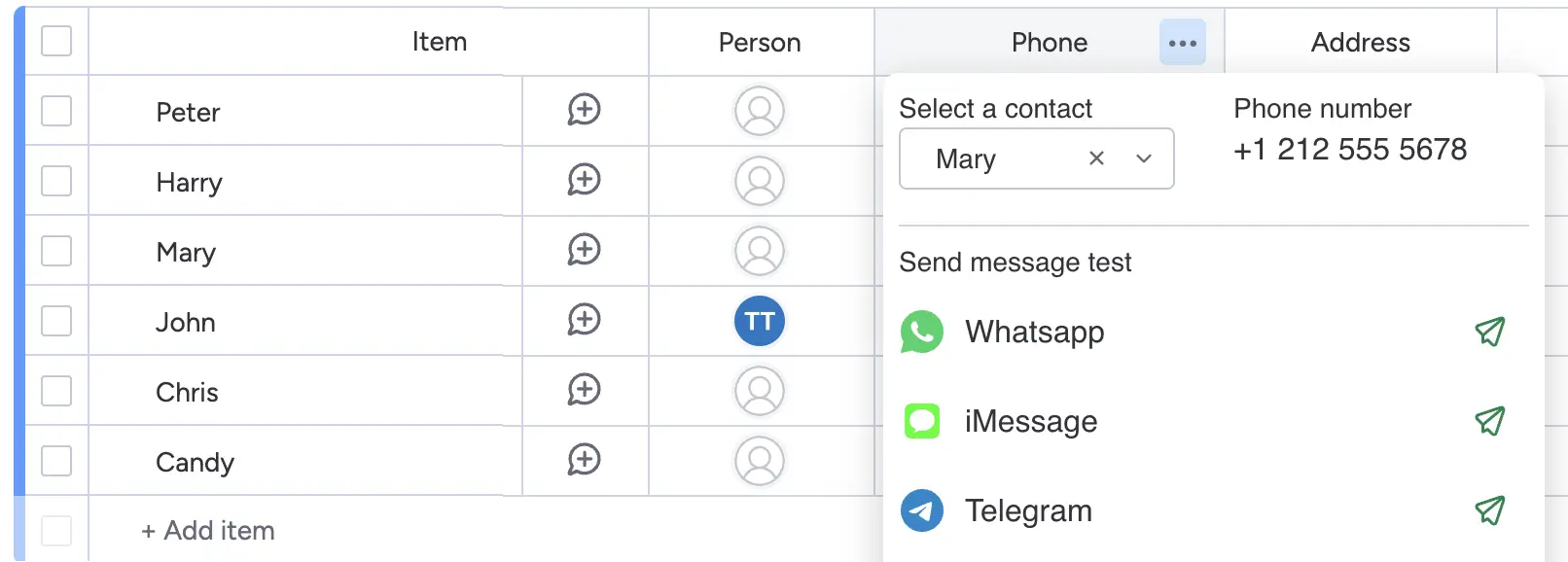
- In the app, select a phone number or search the contact from the column.
- Choose the messaging platform (WhatsApp, Telegram, or iMessage).
- Send your message instantly—it’s that easy!