
We know how helpful it is to keep everything in one place — and even better when it all stays in sync! With just a quick setup, your tasks and events can flow smoothly between Google and monday.com. That means fewer manual updates, less switching between tools, and more time to actually get things done.
This app is built to connect your Google Tasks and Google Calendar with your monday.com boards in just a few clicks. It’s all about helping you stay organized, work faster, and keep everything aligned in one clear, connected space.
Key Features
🔁 Task & Calendar Sync
Two-way synchronization for both Google Tasks and Google Calendar.
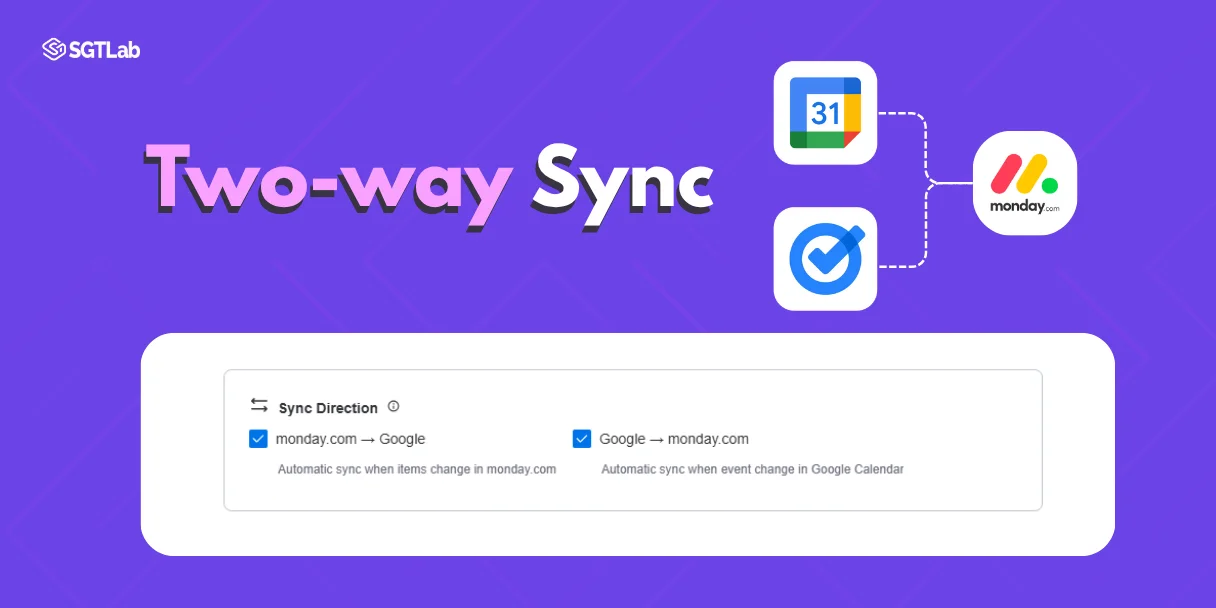
-
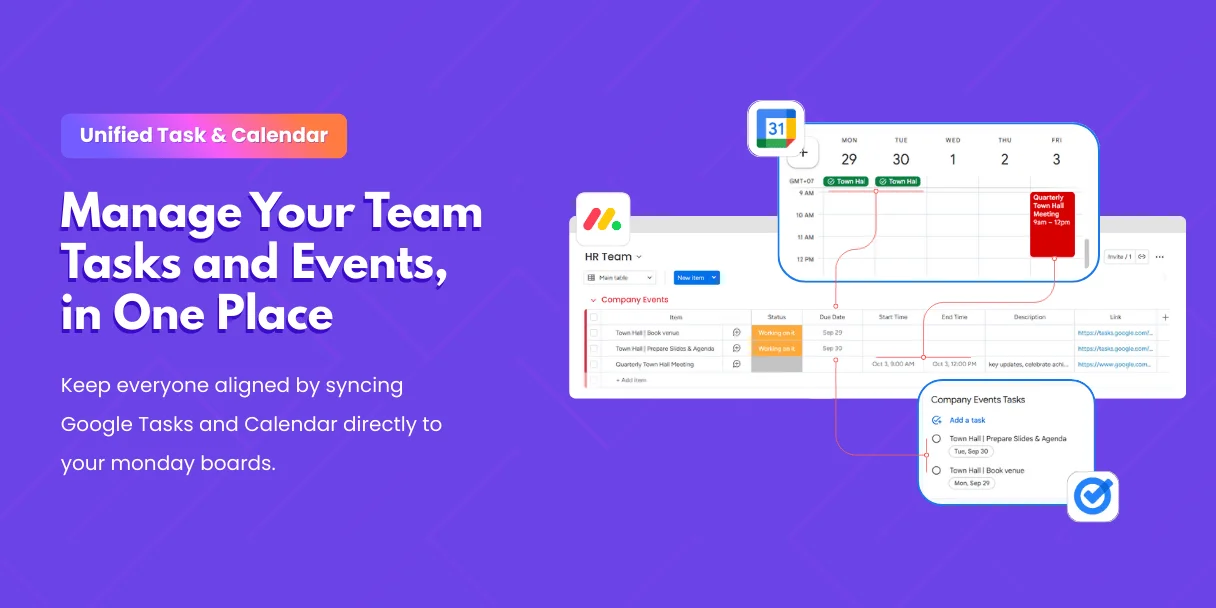
Tasks and events stay consistent across platforms.
-
Keep project boards, personal to-dos, and company-wide schedules all visible in monday.com.
✅ Status & Updates
Mark a task as complete or update an event — changes automatically reflect in the connected platform. Your boards always show the latest state.
📅 Flexible Mapping
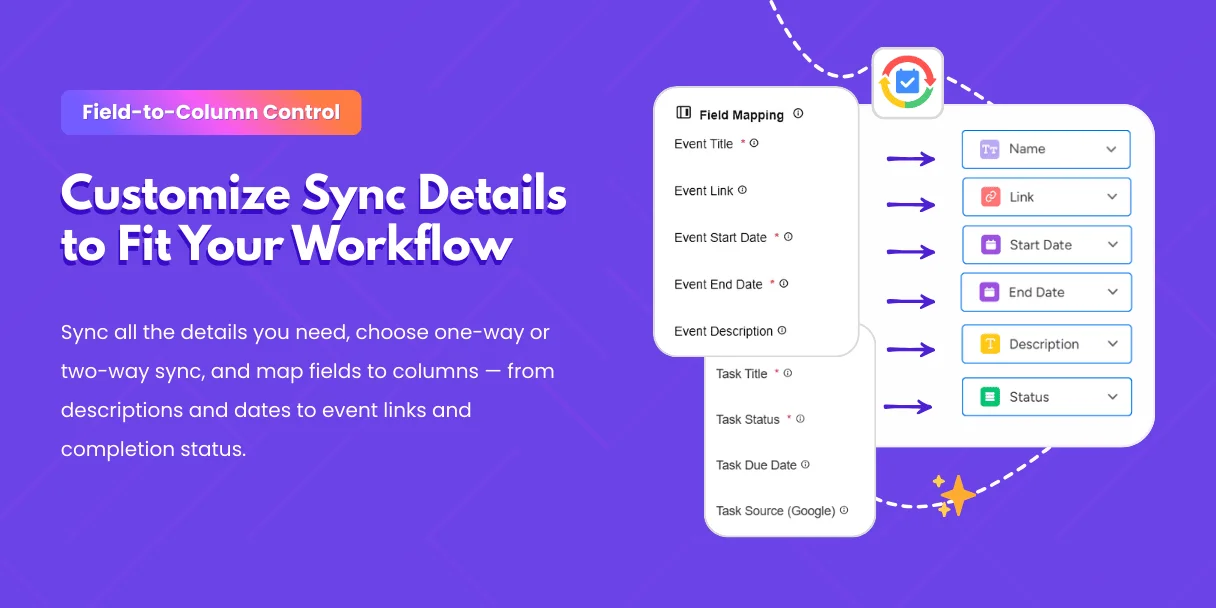
Match Google Task fields or Calendar event details (titles, due dates, descriptions, links, status) directly to monday.com columns. Choose the exact information you want to sync.
⚙️ Easy Setup, No Code
Connect your account, pick the calendars and task lists to sync, and let the automation handle the rest. No technical setup required.
How It Works
-
Connect your Google account and select which task lists and calendars you want to sync.
-
Link them to the right monday.com boards and groups — company, team, or personal.
-
Choose your sync direction: one-way or two-way between Google and monday.com.
-
Customize field mapping to ensure details like due dates, links, and status always flow correctly.
-
Let it run in the background — once set up, your tasks and events update automatically without extra effort.
With Google Tasks & Calendar Sync for monday.com, your team never loses track of what matters. From personal reminders to company-wide events, everything stays connected, visible, and perfectly aligned.
More in Google Tasks & Calendar Sync (monday.com)
- What is Google Tasks & Calendar Sync for monday.com? What does this app do?
- Billing and Refund Policy
- Upgrading or Downgrading Plans
- Plan & Pricing
- Do I need to connect both accounts?
- How can I change the Google account?
- Google Tasks & Calendar Sync – Installation & Setup Guide
- How to Install Google Tasks & Calendar Sync?